Are LinkedIn Articles Indexed by Google
Published · Updated · By the RankedIn team
If you are asking "are LinkedIn articles indexed by Google", the short answer is yes. Public LinkedIn articles, the long-form pieces written in LinkedIn's article editor and published at a linkedin.com/pulse address, can be indexed by Google and appear as ordinary organic results. The ranking pages we read agree on that.
There are two caveats. Indexing is not guaranteed or instant, and being indexed is not the same as ranking: an indexed article can still sit far down the results. Regular feed posts are a different case. Most sources say they are mostly not indexed, with occasional exceptions, which we cover in our guide to whether Google indexes LinkedIn posts.
Crawl, index, rank: the three steps in plain English
Google handles every page, including your LinkedIn article, in three separate steps. Mixing them up is the main reason people decide their article "isn't on Google" when the real problem is something else.
- Crawl. Google finds the article's URL and fetches the page. It usually discovers URLs through links, for example from your profile, from other websites or from shares.
- Index. Google decides whether to store the page. Not every crawled page makes it; pages that look thin, duplicated or low in value can be left out.
- Rank. When someone searches, Google decides which indexed pages to show and in what order. Relevance, quality and competition decide your position.
So an article can be live on LinkedIn yet missing from Google for three different reasons: it has not been crawled yet, it was crawled but not indexed, or it is indexed but ranks too low to be seen. One of the guides we read notes that Google has said publishing on an authoritative platform does not guarantee indexing. LinkedIn's reputation helps, but each page is still judged on its own.
What decides whether your article gets indexed
- Public visibility. Google can only index what it can see. If your content is restricted by privacy settings, it stays out of search.
- A unique URL. Each article gets its own pulse address, so Google can treat it like a blog post. Feed posts mostly live inside LinkedIn's logged-in experience.
- Content quality. Clear, specific, genuinely useful writing gives Google a reason to store the page. Several sources tie this to Google's E-E-A-T qualities: experience, expertise, authoritativeness and trustworthiness.
- Links and shares. Guides consistently say that links from other sites, including your own blog, and shares outside LinkedIn help Google find and index an article.
- No canonical tags. LinkedIn does not support canonical tags, so if you republish a post from your website, Google will not recognise your site as the original publisher.
- SEO title and description. In the article editor, open Settings in the Publishing menu to add an SEO title (the title tag) and SEO description (the meta description).
On timing, reports disagree. One guide says articles are usually indexed within 24 to 48 hours; another says it can take days or weeks; and some articles are never indexed. Our realistic timeline for a LinkedIn article to rank goes into what to expect.
Articles vs feed posts vs AI Overviews
Here is what the sources agree on and where they conflict:
- Articles: all sources say public articles are indexable. This is the solid part.
- Feed posts: sources conflict. One guide says posts are mostly not indexed because they sit behind LinkedIn's login wall. Another lists "some high-engagement public posts" as indexed. A Reddit thread (seen only as a Google snippet) claims Google is now indexing posts properly. One guide simply says posts get indexed, without evidence.
- AI Overviews: one LinkedIn creator says he sees LinkedIn posts as sources in about 90% of the AI Overview results he looked at. That is one person's observation, not a study.
Our advice: treat any feed post that shows up on Google as a bonus, not a plan. If you want a page people can find through search, publish an article.
How to check if your LinkedIn article is indexed, step by step
- Copy the public URL. Open your article and copy the address. It should start with https://www.linkedin.com/pulse/. If there is extra text after a question mark, remove it.
- Search the URL on Google. Paste the full address into Google. If your article appears as a result, it is indexed.
- Search the exact title in quotes. For example, search "How to Rank a LinkedIn Article". Adding site:linkedin.com/pulse to the search narrows it to LinkedIn articles only.
- Use a logged-out or private window. Your account and browsing history can change what you see, so a private window gives a cleaner picture.
- Check again after a few days. A negative result in the first days is normal, not a verdict.
What the results mean:
- Found by URL and by title: indexed. The next question is ranking for your search term.
- Found by URL but not for your search term: indexed but not ranking well. That is a ranking problem, not an indexing one.
- Not found at all: not indexed yet, or not indexed at all. Use the checklist below.
One note: some guides suggest Google Search Console, but Search Console requires you to verify ownership of the website. You do not own linkedin.com, so you cannot add your LinkedIn article there or request indexing for it.
Why your article isn't showing up and what to do
This is a common complaint. A 2020 thread on Google's own help forum is titled simply "Google does not index my LinkedIn article." Work through these causes in order:
- Not public: check your profile and article visibility settings.
- Brand new: give it at least a few days before worrying.
- Thin or generic: a short piece repeating what every other page says gives Google little reason to store it.
- No external links: if nothing outside LinkedIn points to the article, discovery can be slow.
- Too competitive a term: if it is indexed but invisible, you may be targeting a search that big sites already own.
The fixes follow from the causes: make it public, share the public link outside LinkedIn, link to it from a site you own, wait, and aim at a specific long-tail term. Our troubleshooting checklist for LinkedIn articles not getting indexed covers each step in more detail.
What RankedIn does after you publish
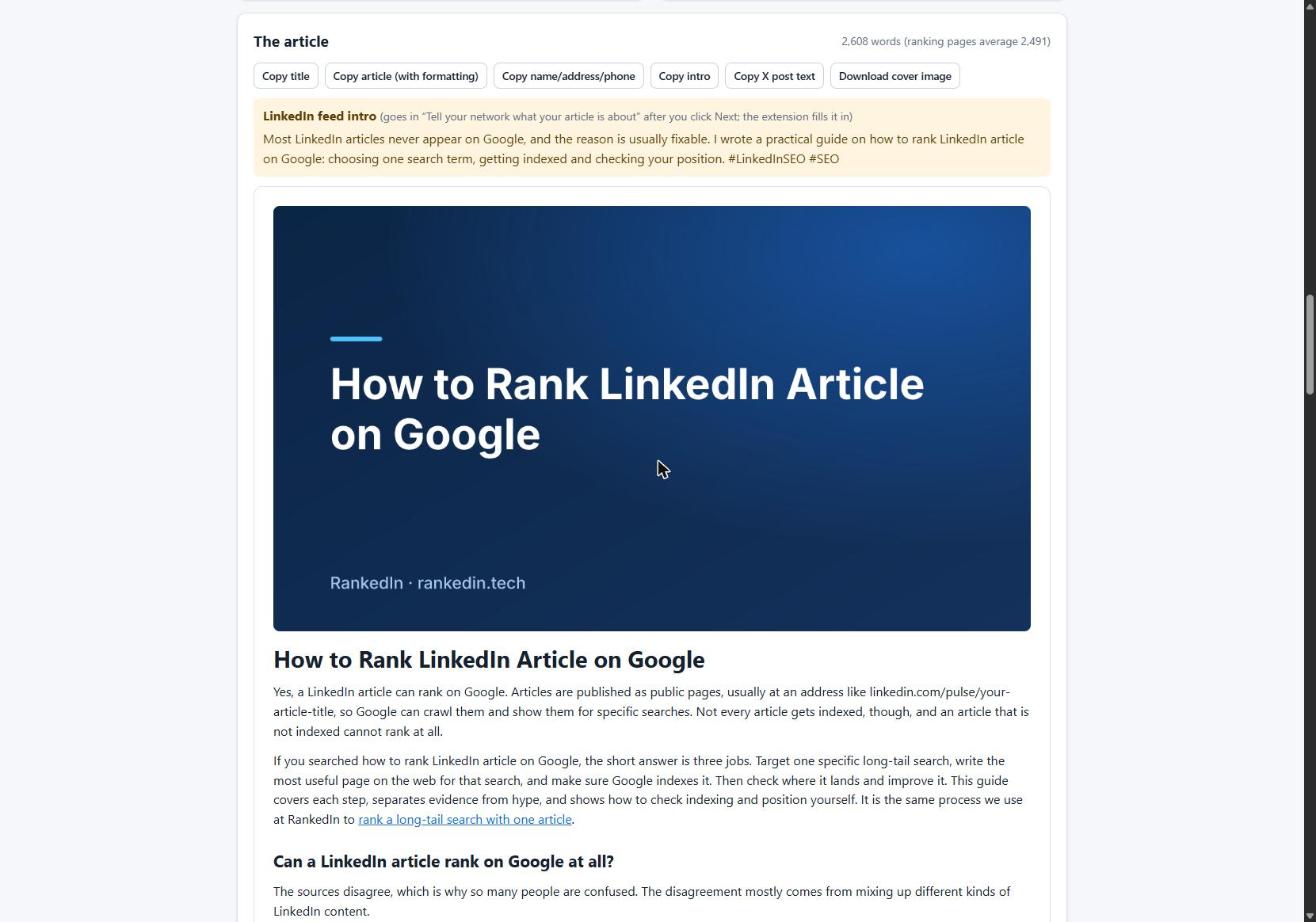
RankedIn writes a LinkedIn article for one long-tail search term, and our Chrome extension fills in LinkedIn's article editor: title, text, cover image and the feed post that announces it. You read it and click Publish yourself. RankedIn never publishes for you. Then X opens with a post ready that links to the article, and you click Post.
After that, the LinkedIn article link and the X post link are sent together to PetesIndexer, the indexing service we use. We are strict about labels:
- A link shows as indexed only when PetesIndexer confirms Google has indexed it.
- Until then it shows "Submitted, indexing in progress".
- A link that is not indexed is sent again once, automatically.
Indexing is not guaranteed, and neither are rankings. We would rather show an honest "in progress" than a hopeful "done".
Checking where it shows up after indexing: a worked example
Once an article is live, check where it shows up over the following weeks rather than once. To see where it shows up, use the Test Now link next to the project in RankedIn: it opens that exact Google search in the project’s country.
Here is our own example. On 23 October 2026 we published four LinkedIn articles written with RankedIn:
- The Best AI Overviews MCP
- AI Overviews MCP for ChatGPT
- How To Reverse Engineer AI Overviews
- How to Rank a LinkedIn Article
On publishing day, all four were submitted to PetesIndexer with the status "Submitted, indexing in progress", and none was in Google's top 100 yet. That is expected so early. We will update this post with what happens next, whatever the results.
Which searches a LinkedIn article can realistically win
On 23 October 2026 we looked at 17 Google United States searches about ranking or indexing LinkedIn articles. A linkedin.com/pulse article was in the live top 10 for 13 of them, and at number 1 for 4. All four number-one spots were held by the same article, "Does Google index LinkedIn articles?" by Look Left Marketing.
The catch is size. Most of these searches get about 10 a month; "linkedin article writer" gets about 260. That matches what the ranking pages say: LinkedIn articles do well on niche, specific searches, while a competitive term like "Air Jordan", with 135,000 monthly searches, would be near impossible to rank for.
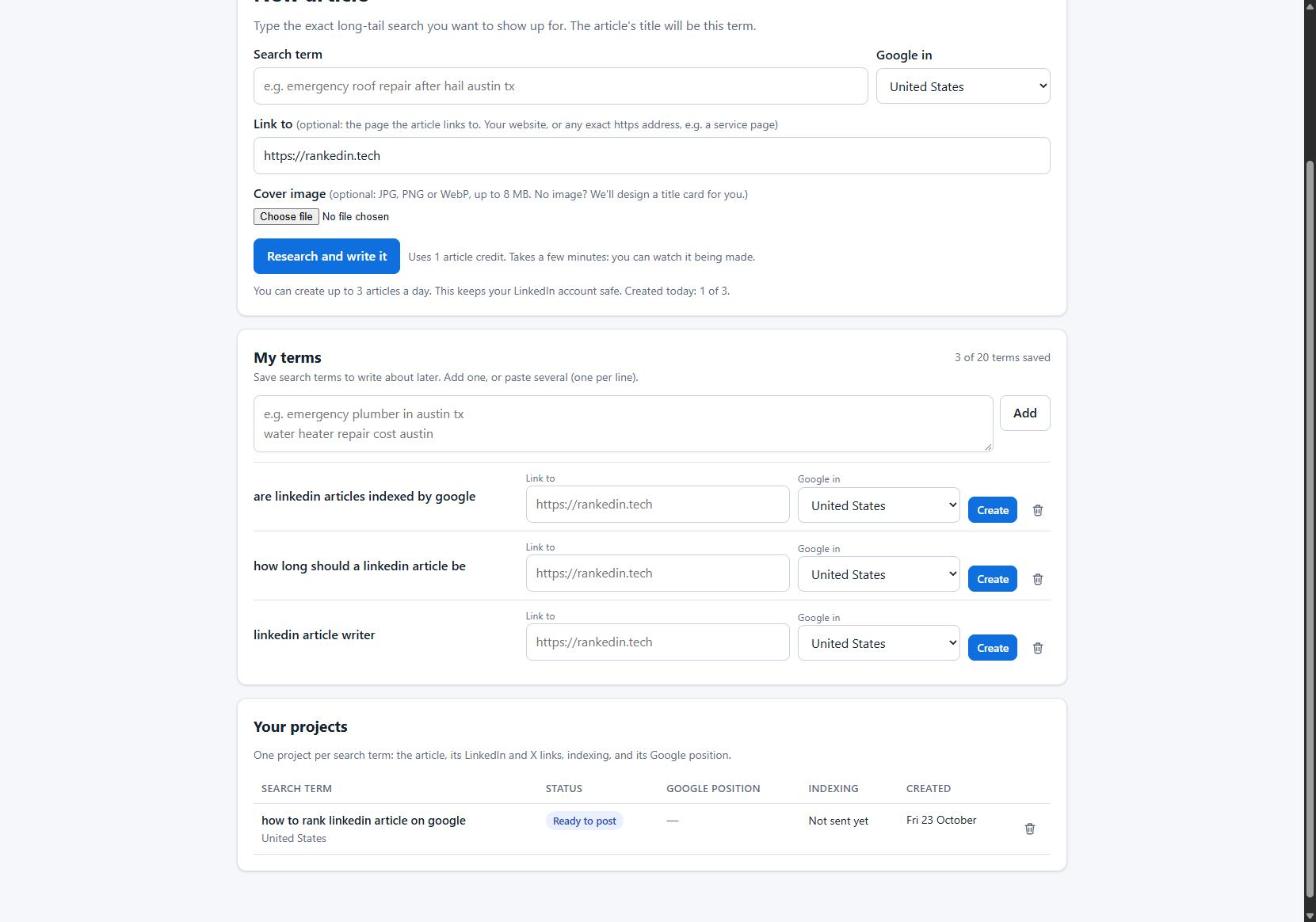
So pick specific long-tail terms where you can be the most useful page, write one article per term, and build up from there. In RankedIn you can save up to 20 terms in My terms and write an article from any of them later.
Frequently asked questions
Where do LinkedIn articles go?
A published LinkedIn article gets its own public page at a linkedin.com/pulse address and appears in the Articles section of your profile. You also share it with a feed post. If it is public, Google can crawl and index that page, but indexing is not guaranteed or instant.
Is it worth writing articles on LinkedIn?
Yes, if you want a page that can be found in search as well as on LinkedIn. Articles can be indexed and can rank for specific, long-tail searches; in our research a linkedin.com/pulse article was in the top 10 for 13 of 17 related searches. Do not expect to win highly competitive terms, and remember rankings are never guaranteed.
Are LinkedIn articles still a thing?
Yes. People still publish them, and on 23 October 2026 LinkedIn articles were ranking in Google's top 10 for most of the related searches we checked. They remain the LinkedIn format most reliably indexed by Google.
Are LinkedIn articles credible sources?
It depends on the author, not the platform. Anyone with an account can publish an article, so judge it like any blog post: check who wrote it, their experience, and whether claims are backed by sources. A well-sourced article by a recognised expert can be credible; an unsourced opinion piece is just an opinion.
Why is my LinkedIn profile not showing up in search?
Google can only index public LinkedIn profiles, so first check your public profile visibility settings. A brand-new profile can also take time to be found. Keeping the profile complete and linking to it from a website you own helps Google discover it, though no step guarantees it will appear.