How Long Does It Take for a LinkedIn Article to Rank on Google
Published · Updated · By the RankedIn team
If you are asking how long does it take for a LinkedIn article to rank on Google, the honest answer has two parts. Getting indexed (Google adding the page to its index) is usually reported to take 24 to 48 hours for a public LinkedIn article. Getting a position for your search term can take anything from under a day to several weeks, and sometimes it never happens.
Nobody can promise either milestone, including us. Below we walk through what actually happens in the first hours, days and weeks, using our own articles as the example. That includes the unglamorous truth that on publish day, none of them were in Google's top 100 yet.
The Short Answer: Indexing Takes Hours to Days, Ranking Takes Longer
Most pages on this topic mix two different events into one number. Keep them apart and the timeline makes much more sense:
- Indexing: Google finds the article and stores it. Two of the ranking pages report 24 to 48 hours for public LinkedIn articles.
- First position: the article appears somewhere in the results for your search term. Reported times range from about 19 hours (one author's best case) to a few weeks.
- Settling: positions move around after the first appearance. One author notes they can settle over the following weeks, so quality is what keeps a position.
Rankings and indexing are never guaranteed. A sensible expectation for a small, specific search term is days to weeks, with a plan for what to do if nothing appears.
Why the Numbers You Read Online Disagree
The claims you will find look contradictory until you check what each one actually measures:
- About 19 hours to number 1. Anas Hidaoui reports one article reaching the top of Google in roughly 19 hours. It is a single anecdote on a specific phrase, not a typical result.
- 24 to 48 hours. This is an indexing estimate, not a ranking estimate. Being in the index does not mean you have a position.
- A few days to a few weeks. A general estimate from a Medium writer, based on LinkedIn's high domain authority. No data is given.
- About 3 weeks. Stu Lees compared results after about 3 weeks and found that, in some cases, the LinkedIn article ranked higher than a similar blog article. He calls his tests very non-scientific.
- 3 to 6 months, or 6 to 12 months. These figures are for new websites, which start with little authority. They do not describe LinkedIn articles.
- 5.7% of new pages in the top 10 within a year. This Ahrefs data, shared in a LinkedIn post, covers new pages on websites in general. Most of those successful pages took 2 to 6 months, and pages on high-authority domains ranked faster.
So the fast numbers come from LinkedIn's authority plus low-competition phrases, and the slow numbers come from ordinary websites. Neither tells you exactly what will happen to your article.
Hour Zero: What Happens When You Publish
Here is our real workflow. RankedIn's Chrome extension opens LinkedIn's article editor and fills in the title, the article (using LinkedIn's own Heading and Subheading styles), the cover image, the search term as the cover caption and, after you click "Next", the feed post that announces the article. You read it and click Publish yourself; RankedIn never publishes for you. Then X opens with a post ready that links to the article, and you click Post.
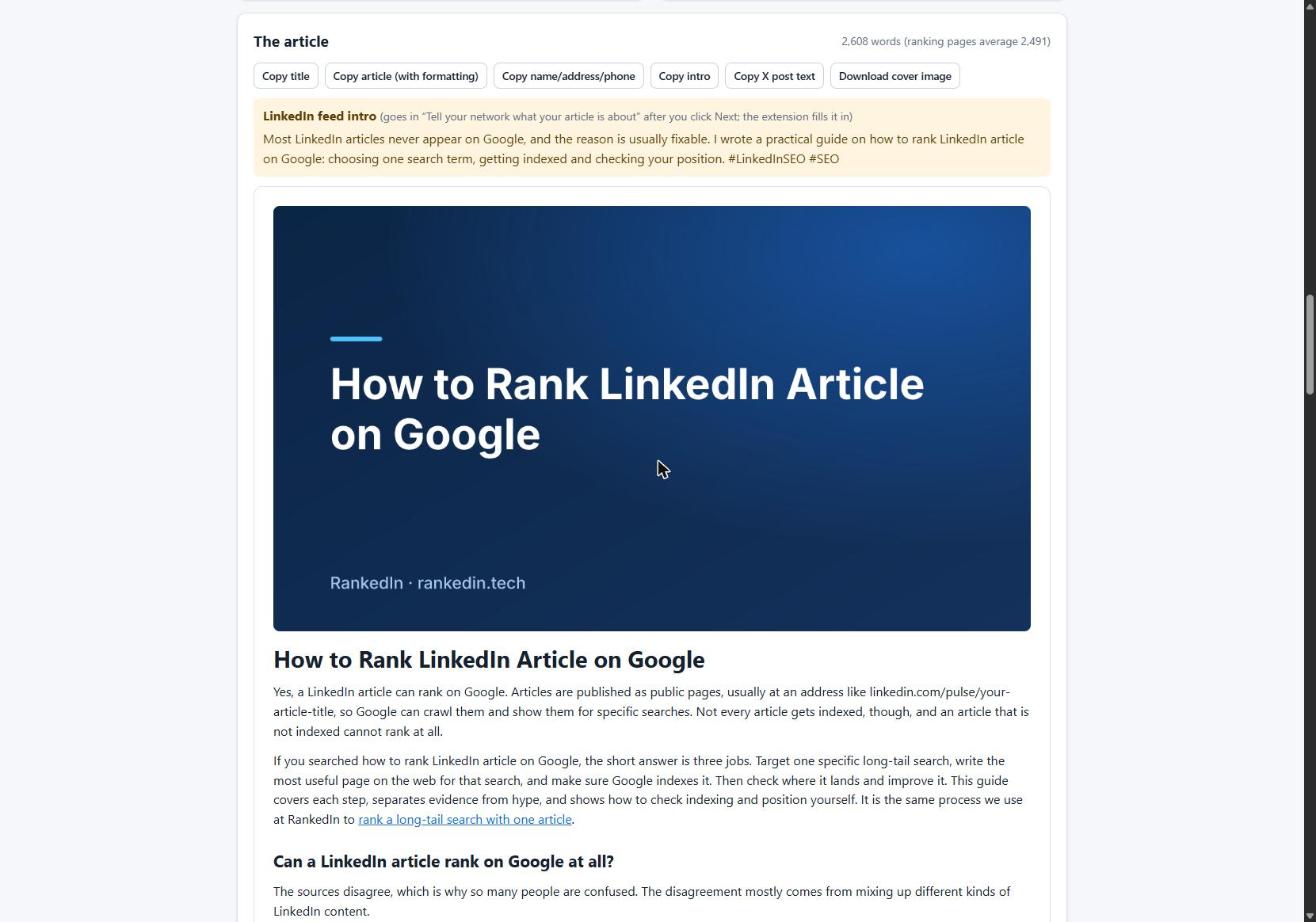
Straight after publishing, the LinkedIn article link and the X post link are sent together to PetesIndexer, the indexing service we use.
One point matters at hour zero: this timeline applies to articles. Regular feed posts mostly sit behind LinkedIn's login wall and are largely not indexed, as we explain in our guide to posts versus articles versus newsletters.
Day One: Our Own Articles Were Still Being Indexed
On 23 October 2026 we published four LinkedIn articles written with RankedIn:
- The Best AI Overviews MCP
- AI Overviews MCP for ChatGPT
- How To Reverse Engineer AI Overviews
- How to Rank a LinkedIn Article
Status that same day: all four were submitted to PetesIndexer with indexing in progress, and none were in Google's top 100 yet. That is expected this early, and it is the part most "ranked in hours" stories leave out.
Inside RankedIn, the status labels are deliberately strict:
- "Submitted, indexing in progress" means the link has been sent to PetesIndexer, but Google has not been confirmed to have it.
- Indexed is shown only when PetesIndexer confirms Google has indexed the link.
Days 2 to 7: Indexed Is Not the Same as Ranked
Once Google has the page, three things can be true at the same time: the article is indexed, it has no position in the top 100 yet, and it may still gain one later. Indexing itself is not guaranteed either. If a link is not indexed, RankedIn sends it again once, automatically.
To check for yourself:
- Open a private browser window so your results are less personalised.
- Search for the article's exact title in quotation marks. If it appears, the page is indexed.
- Search for your target term without quotation marks and look through the results for your article.
A note on Google Search Console: it reports on sites you own and have verified. You cannot verify linkedin.com, so Search Console will not show your LinkedIn article's index status directly. It can still show the page on your own website that the article links to. For the full step-by-step routine, see how to check whether your LinkedIn article is indexed.
Weeks 1 to 4: Watching Your Position Across 30 Days
Check where the article shows up every few days across the first month. To see where it shows up, use the Test Now link next to the project in RankedIn: it opens that exact Google search in the project’s country. That gives you a picture of the whole first month instead of one anxious search on day two.
How to read early movement:
- No position for several days: common while indexing is still in progress. Check the status label first.
- A first appearance deep in the results: a normal start. Watch whether the trend moves up over the following days.
- A jump followed by a drop: positions can move a lot early on. Judge the trend across weeks, not a single day.
Keep traffic expectations realistic. In our keyword research, most searches about ranking or indexing LinkedIn articles were small, about 10 a month. A specific term like that can be quicker to win, but even a top position brings only a handful of visitors. The value comes from covering many specific terms over time.
What Changes the Timeline
The research points to a few factors that genuinely matter:
- How competitive the term is. Specific, long-tail phrases with thin results move faster than broad terms.
- The title. Using the exact search phrase as the title is described as the most important on-page step by the fastest-ranking author.
- Article format. In Stu Lees's tests, long-form feed posts were found on Google but ranked nowhere near as high as articles, which he put down to the lack of headings, formatting and URL features.
- Originality. Copying a blog post word for word is risky because Google is not fond of duplication. Write or rework the LinkedIn version so it stands on its own.
- Usefulness. LinkedIn's authority can get you seen quickly, but one source (Anas Hidaoui) notes that thin content does not hold a position.
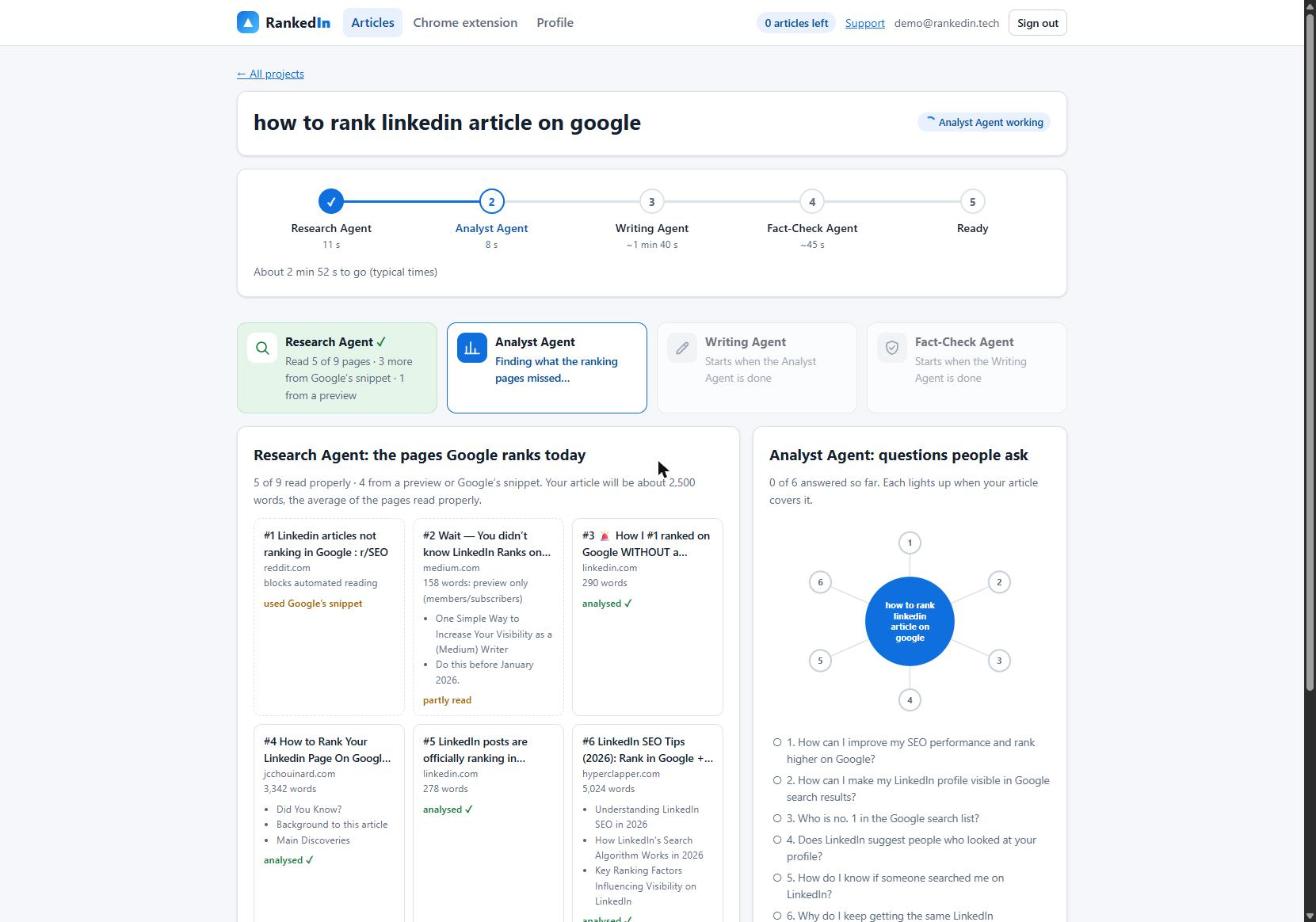
Our own research shows that LinkedIn can compete. On 23 October 2026 we ran 17 searches on Google United States about ranking or indexing LinkedIn articles. A linkedin.com/pulse article was in the live top 10 for 13 of them, and at number 1 for 4, all four held by the same article, "Does Google index LinkedIn articles?" by Look Left Marketing. That proves LinkedIn articles can rank for terms like these. It says nothing about how quickly they got there.
One thing you do control is how your articles support each other. Our guide to how to rank multiple LinkedIn articles shows how to publish and link a set of 10 on one topic.
What to Do If Nothing Shows After 30 Days
Thirty days without a position is not unusual. Work through this list before you decide anything:
- Confirm the basics. Is it a public article, written in the article editor, rather than a feed post?
- Check indexing. Search the exact title in quotation marks. If it is missing, our troubleshooting checklist for LinkedIn articles not getting indexed covers the usual causes.
- Compare against what ranks now. Open the current top results. Do they answer the question better, more specifically or more completely than yours?
- Improve or narrow. Add what is missing, or choose a narrower search term with weaker competition.
- Write the next article. One article is one attempt. A set of specific terms gives you many chances.
None of these steps guarantees a result. They simply give each article its best realistic chance.
Frequently asked questions
How long does it take for a LinkedIn article to rank on Google?
Reports range from about 19 hours in one author's best case to a few weeks, usually for specific, low-competition terms. Indexing typically comes first, reported at 24 to 48 hours. Rankings are never guaranteed, so track the article's position over the first 30 days rather than judging it on day one.
How long does it take for Google to index LinkedIn?
For public LinkedIn articles, the ranking pages report indexing within 24 to 48 hours, but it is not guaranteed. Our own four articles were still "Submitted, indexing in progress" on publish day. Regular feed posts are mostly not indexed at all.
How long does it take for LinkedIn to update on Google?
A new article is usually reported to appear in Google's index within 24 to 48 hours. If you edit an existing article, Google has to recrawl the page before the change shows, and none of the sources we read give a reliable timing for that. Check by searching the exact title in a private browser window.
How to rank in Google with LinkedIn posts?
Use articles, not feed posts. Feed posts mostly sit behind LinkedIn's login wall and are largely not indexed, and in one set of tests long-form posts ranked far lower than articles. Use the feed post to announce the article, and put the search term in the article's title.
Does Google Search Console show if a LinkedIn article is indexed?
Not directly. Search Console only reports on sites you own and have verified, and you cannot verify linkedin.com. To check a LinkedIn article, search its exact title in quotation marks on Google; Search Console remains useful for the page on your own website that the article links to.